
Applications & Opportunities
Manage Job Applications, Opportunities & Professional Communication with Confidence.
Supporting You Through the Entire Application Journey.
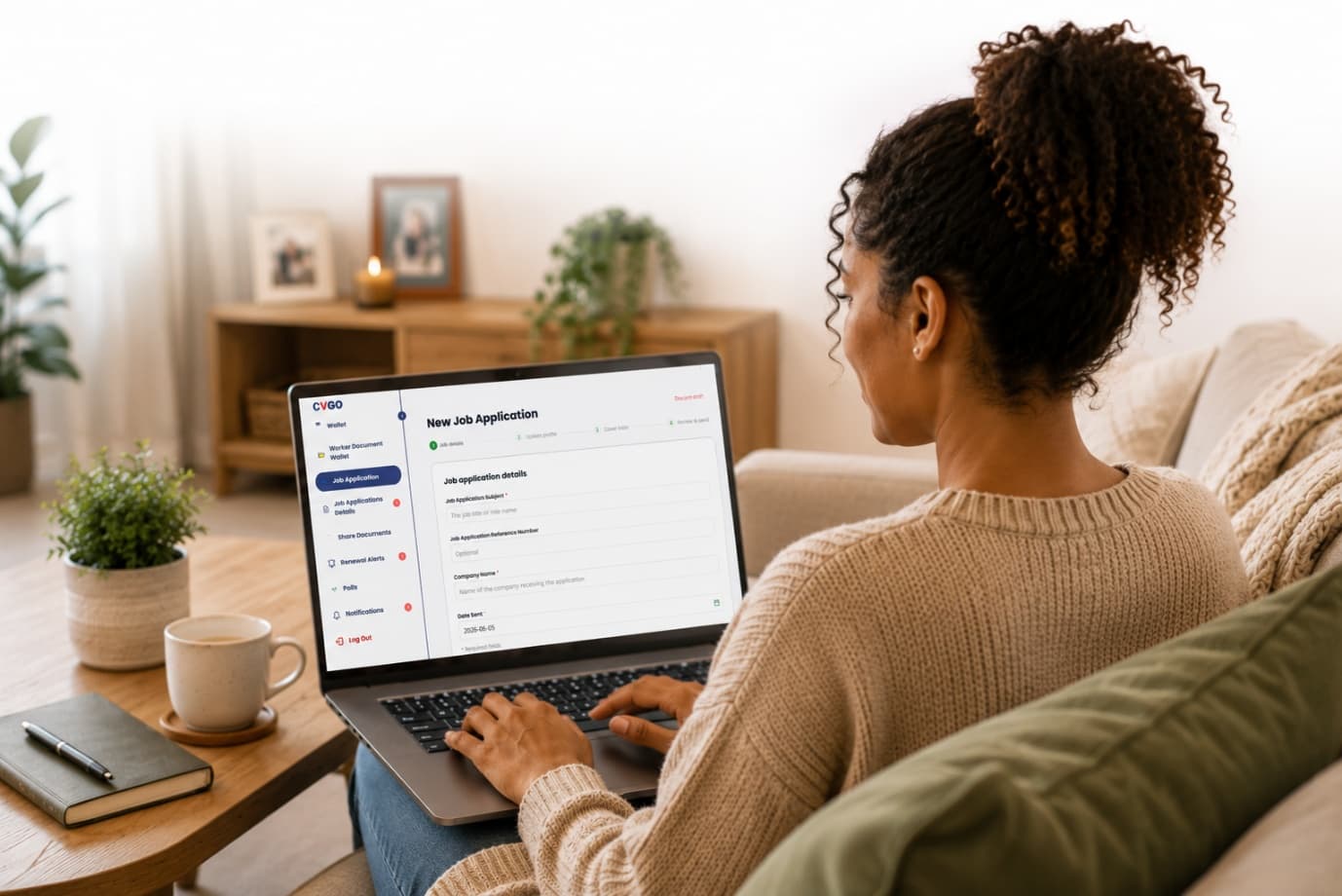
Applying for jobs, changing careers and pursuing new opportunities can feel stressful, repetitive and uncertain.
The challenge is often not just finding opportunities, but managing applications, tailoring information, preparing documents, communicating professionally and waiting for updates after an application has been sent.
CVGO Digital makes the process simpler, more organised and easier to manage. Because your profile, documents, skills, knowledge and experience are already recorded, much of the preparation is already in place.
When you start a new application, CVGO Digital guides you through the process step by step.
- 1Add the job details
- 2Update or tailor your profile for the role
- 3Create a profile statement
- 4Prepare a cover letter
- 5Review everything before sending
Choose What You Share
Select the skills, knowledge, work experience, software experience and supporting documents you want to include for each opportunity.
Professional Communication
Use built-in templates to create and adapt professional messages for applications, interviews, follow-ups, feedback requests, offers and self-employed or subcontract enquiries.
Share Professionally
Send your application using your CVGO Digital ID and Profile Check link, allowing recipients to view only the information you choose to share.
Track Every Opportunity
Monitor applications, update statuses, manage responses and keep a clear record of your application journey in one place.
After You Apply
You've sent your application. What happens next?
Helping Reduce Uncertainty Through Better Communication & Feedback.
Applying for opportunities can already feel stressful. Once an application has been submitted, many people find themselves waiting, wondering and hoping for a response. Days can quickly become weeks, creating uncertainty and frustration as applicants are left not knowing whether their application has been received, reviewed or progressed.
CVGO Digital has been designed to help create better communication, greater visibility and a more positive experience throughout that process. When you submit an application, the recipient receives your CVGO Digital ID and Profile Check link, allowing them to securely review the information, experience, qualifications and documents you have chosen to share.
As part of the Profile Check process, organisations are prompted to provide a response before completing their review, helping create a clearer communication pathway between applicants and organisations. Responses may include acknowledgements, requests for additional information, interview invitations, application updates, feedback or notification that a position has been filled.
While no system can guarantee outcomes, CVGO Digital has been designed to encourage communication, reduce uncertainty and help applicants feel more informed. When responses are received, they are recorded within your CVGO Digital account, helping you track communications, monitor progress and manage opportunities in one organised place.